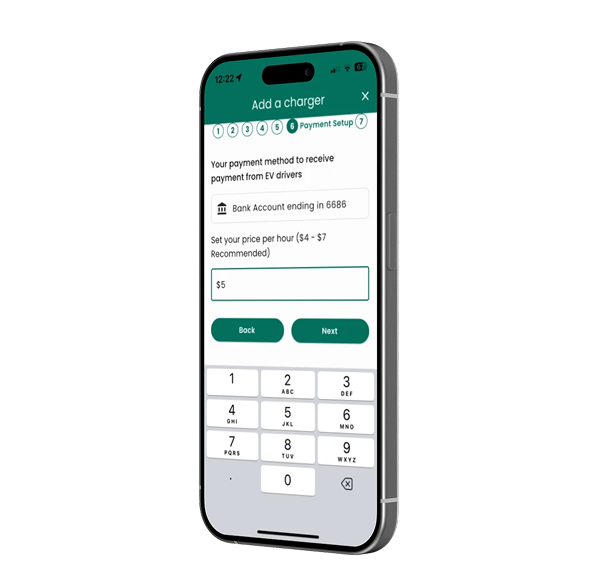
Have an EV charger at home or at your holiday rental? List it for free in the ivygo app in a few minutes. You set the price and hours, approve every booking and get paid monthly.
Free to listYou set the pricePaid monthly
How it works
How listing your charger works
Step 1
Download the app and sign up
Download the ivygo app from the App Store or Google Play and create your account.
Step 2
Add your charger
In the app, go to Settings > My charger(s), tap + (top right) and follow the prompts.
Step 3
Connect with Stripe
Connect your Stripe account so your earnings are paid to you securely. ivygo never stores your banking details.
Step 4
Approve bookings and get paid
Review each booking request or turn on auto approval. You are paid monthly for every completed booking.
Free to list: there are no upfront costs, subscriptions or lock-in contracts. ivygo only takes a service fee (a percentage of the booking price) when a booking is completed.
Watch how it works
How to add your charger
How to approve a booking
Need a hand?
We can help you get listed
Book a quick chat and we will walk you through listing your charger. Listing for a business or venue? See how ivygo works for businesses.